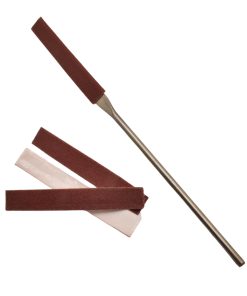
Sand and polish 3D prints to a smooth finish
Remove layer lines and support marks from resin and FDM prints. Flexible files, cushioned pads and fine abrasives get into details that ordinary sandpaper can’t.
See the finishing tools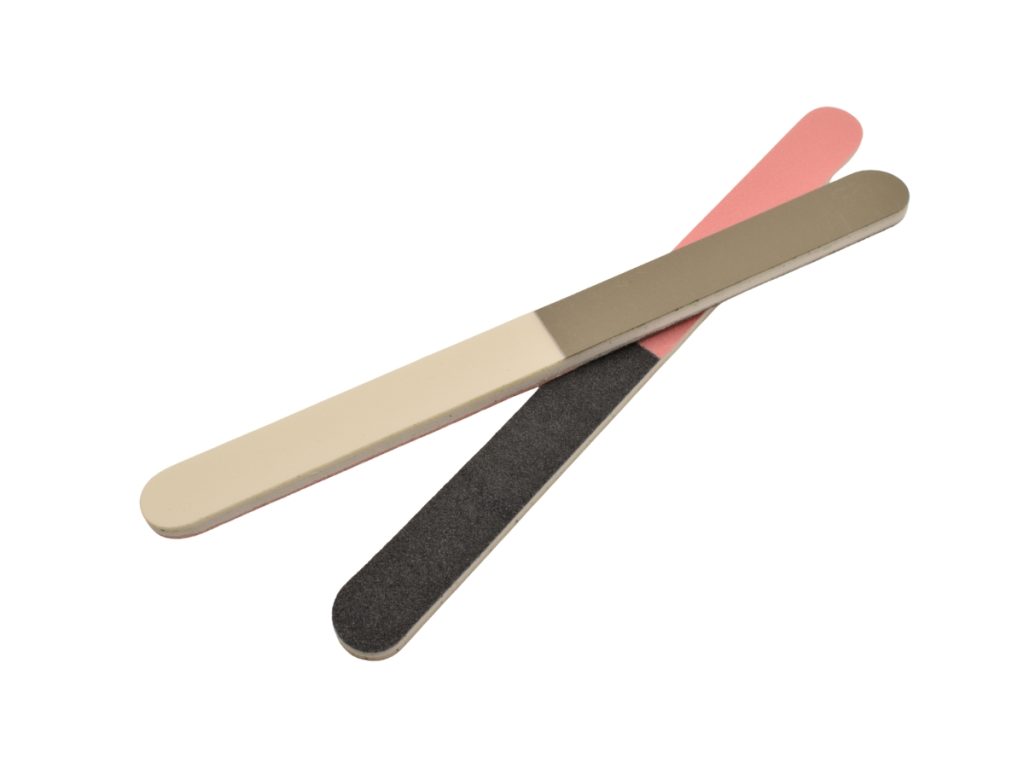

Remove layer lines and support marks from resin and FDM prints. Flexible files, cushioned pads and fine abrasives get into details that ordinary sandpaper can’t.
See the finishing tools
Flexible files for detail, cushioned pads for curves, and fine abrasives and polish for a gloss finish.
Emery Files
Emery Files
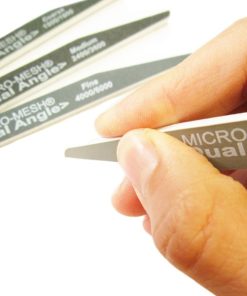
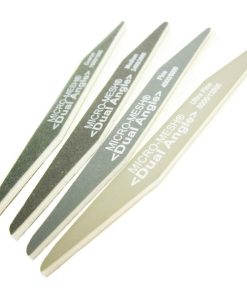
Micro-Mesh Dual-Angle Flexifiles – Angled Flexible Abrasive Files (2-Step, Regular | MX | MXD)
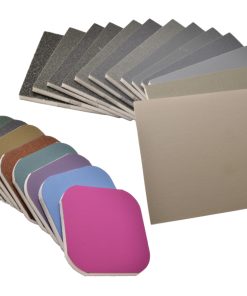
Abrasive Hand Pads
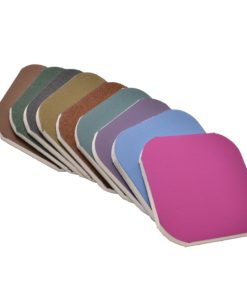
Micro-Mesh Pads (Soft Touch) – Cushioned Abrasive – Regular, MX (Individual Pads & Sets)

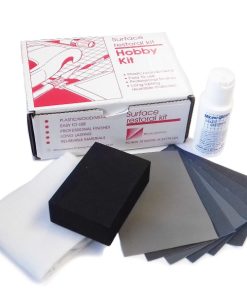
Abrasive Hand Tools
Micro-Mesh Plastic Surface restoration kit – Hobby Kit for plastic / wood / metal
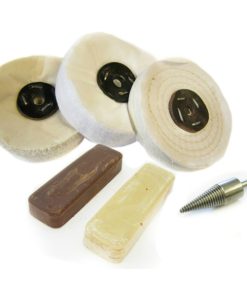
Bench Motor Polishing Kits
Metal Finishing Compounds
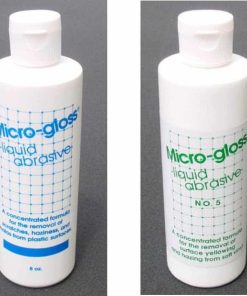
Micro-Gloss Fine Liquid Abrasives 1 Micron or 5 Micron for plastic and metal

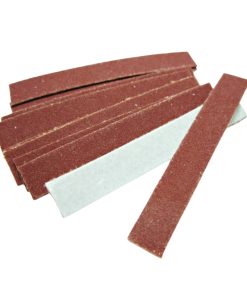
Abrasive Files
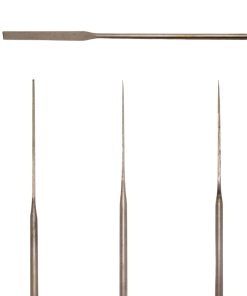
File & Stone Holders
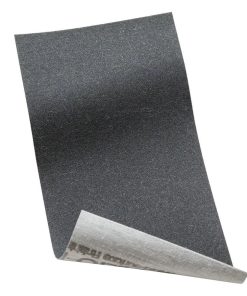
Start with a coarse grade to take down layer lines and support marks, then work through finer grades. Wet sanding keeps dust down, which matters with resin prints.
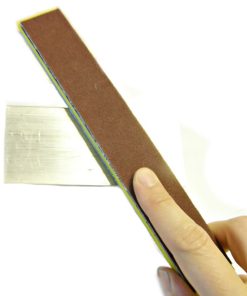
Flexible files reach into grooves and around curves, and cushioned Micro-Mesh pads follow shapes without flattening detail. For a gloss finish on clear resin prints, finish with liquid polish. For models you will paint, stop at a middle grade to give primer something to grip.
PLA softens with heat, so power sanding can make it gummy. Sand by hand, or at very low speed.
Carefully. Heat makes PLA gummy, so hand sanding or very low speed works best.
Sanding and polishing improves clarity a lot. Very clear results usually also need a clear coat.
Wet sanding is best for resin prints because it keeps dust down. FDM prints can be sanded either way.
Yes. All prices on Revive Tool include UK VAT, and most items ship free within the UK.